

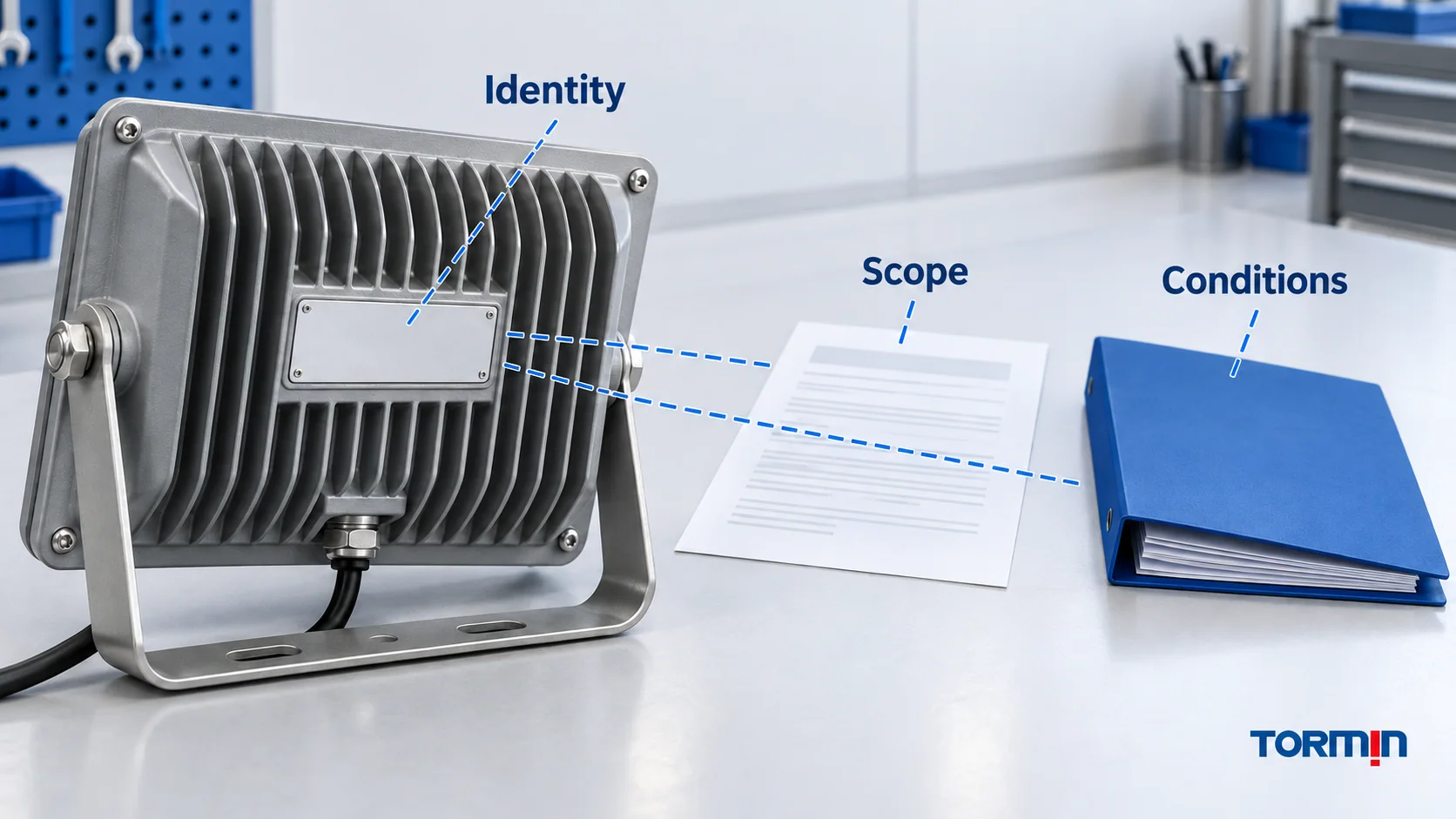
An explosion-proof lighting nameplate is the start of a verification, not the end. Match three things: the actual luminaire and ordering code, the complete equipment certificate and instructions, and the project’s hazardous-area requirements. A familiar Ex marking, a supplier’s PDF or a visually identical housing does not close that review.
This guide helps buyers and technical reviewers read IEC-based markings and build a traceable document record. It does not classify an area, establish national acceptance or approve an installation. Obtain the approved area-classification information first, and use the project’s competent reviewer for suitability decisions.
Start with identity, before decoding the Ex string
Ask for a legible photograph of the actual nameplate, not only a catalogue image. Capture the full plate and any additional labels without opening the enclosure or undertaking energized work. If safe access is unavailable, obtain the record from the responsible site team or supplier.
Record the manufacturer, model/type, complete ordering code, serial or batch identification where present, and certificate reference. Keep the supplied configuration alongside them: supply rating, driver/control option, optic, entry arrangement and any emergency or battery option. These details create questions to check against the certified scope; they do not mean every option necessarily changes certification.
Collect the complete certificate, schedules/annexes and relevant issues, plus the manufacturer’s applicable instructions and datasheet. A first page can identify an equipment family while later pages define which versions and conditions are covered. If an ordering suffix is not explained, ask for a documented mapping from that suffix to the certified construction.
For example, the first page of TORMIN’s archived BC5401 IECEx document identifies BC5401 and certificate IECEx CNEX 23.0005X. Those are useful search identifiers—not proof that a particular unit or option is covered, or that the archived copy represents today’s controlled record. Obtain the complete document set and verify the applicable record before making that decision.
Read the marking as a set of fields
An IEC-based technical marking may include Ex, one or more protection symbols, a material group, a temperature designation and an equipment protection level (EPL). Copy the whole marking before interpreting it. Do not retain only the most reassuring token.
| Field on the plate or certificate | What to look for | Review question |
|---|---|---|
| Manufacturer and type | Exact identity, including the variant mapping | Is this the same equipment described in the supplied documents? |
| Certificate reference | Scheme, issuer identifier, reference and any suffix | Can I locate the applicable complete record? |
| Protection symbol(s) | For example, db, eb or tb |
Which protection techniques apply to this configuration? |
| Material group | Gas or dust group/subgroup | Does the certified scope meet the project’s substance requirement? |
| Temperature designation | Gas temperature class or dust surface-temperature limit, as applicable | Are all certified combinations and conditions compatible with the project? |
| EPL and/or category | The relevant scheme’s level/category | Does it meet the project’s required protection level? |
| Ambient limits | Ta, Tamb or document-defined conditions |
Are both the low and high site temperatures within the applicable range? |
| Electrical and other ratings | Supply, frequency, warnings and enclosure information | Do the equipment and installation documents agree with the intended use? |
The US Coast Guard’s protection-technique reference explains the IEC marking structure and protection methods. In that terminology, d relates to flameproof enclosures, e to increased safety and t to dust protection by enclosure. Preserve the complete symbol, including its level suffix: a shorthand family letter is not enough to establish suitability.
Keep gas and dust rows separate
For non-mining industrial applications, IEC gas markings use Group II subdivisions such as IIA, IIB or IIC; dust markings use Group III subdivisions such as IIIA, IIIB or IIIC. Mining Group I is a separate scope. The letter sequence is not a single universal ranking across gas and dust. A gas marking cannot be used as a dust approval. See the Coast Guard’s material-group reference.
Likewise, gas EPLs use Ga/Gb/Gc and dust EPLs use Da/Db/Dc. These describe equipment protection levels, not a site’s classification. Use the required level from the project rather than assigning a zone from a token alone. The EPL reference explains the distinction.
An ATEX regulatory group/category such as II 2G belongs to another layer of marking. Do not confuse ATEX equipment group II with IEC gas subgroup IIC, or category 2 with an EPL letter. Under Directive 2014/34/EU, Annex II, marking includes equipment group/category and, for Group II equipment, G for gas/vapour/mist and/or D for dust. Review each applicable atmosphere separately.
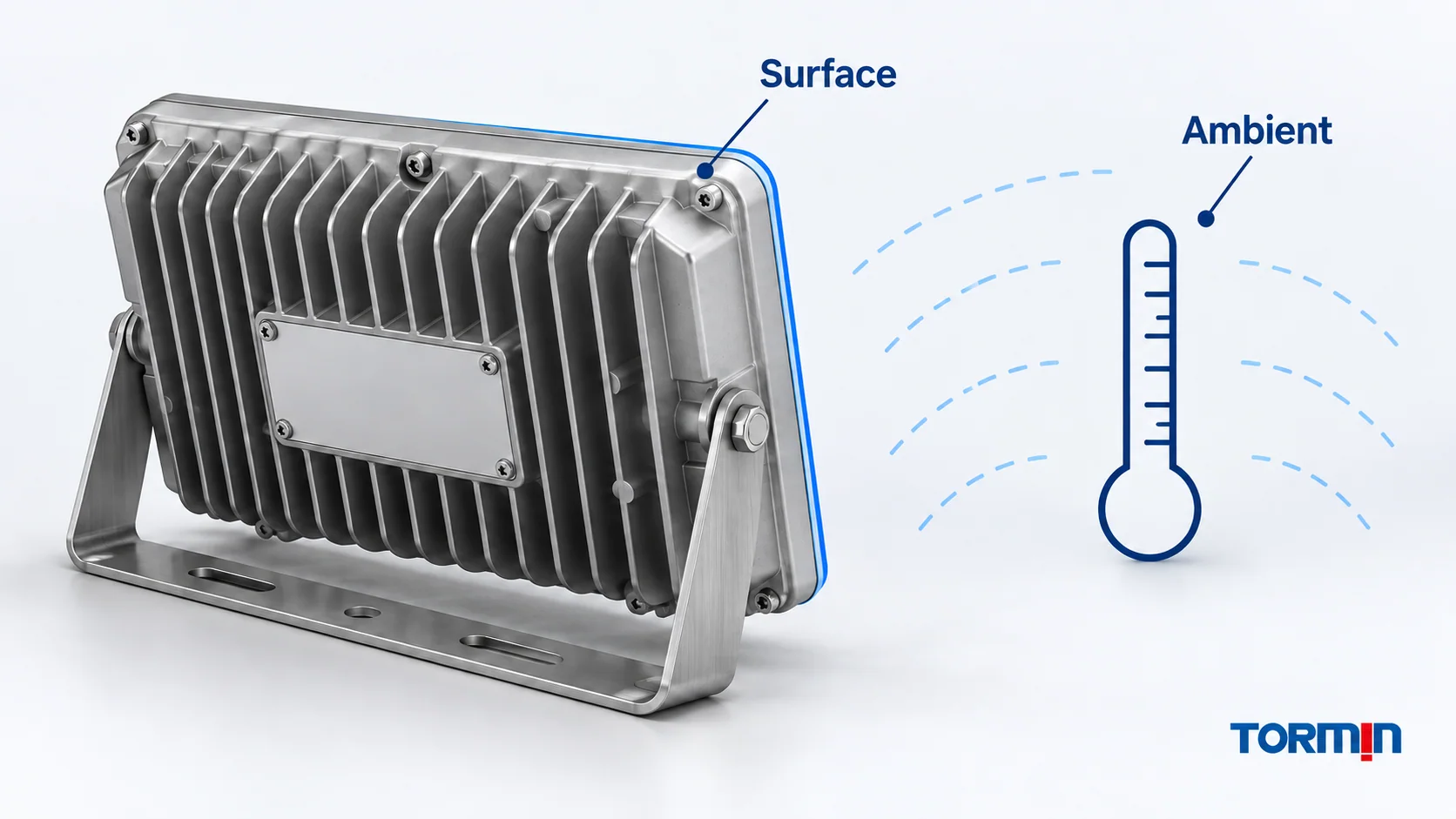
Surface temperature is not ambient temperature
A gas temperature class addresses the equipment’s maximum surface temperature under its specified conditions. For example, IEC T4 corresponds to 135°C and T6 to 85°C; these are not permitted surrounding-air temperatures. Dust marking may state a surface-temperature limit directly in degrees Celsius. Do not transfer a gas T-class decision into a dust assessment.
The ambient range describes the surroundings in which the equipment is rated to operate. Review it together with the applicable temperature designation, power/configuration and conditions—not as an independent catalogue promise. The Coast Guard’s temperature-marking guide also notes that marking requirements depend on the edition of the standard.
IP information is a separate enclosure check. It does not replace the explosion-protection scope; see IP rating versus explosion protection.
Follow the certificate number to its conditions
For IECEx equipment certificates, an X suffix signals specific conditions of use. Read those conditions in full and identify where each is addressed in the design, instructions or site controls. Do not invent a generic list and assume it applies to the unit.
A U suffix identifies an Ex component certificate. It is not an equipment certificate for a complete luminaire ready to be installed independently. Read its schedule of limitations and obtain the necessary evidence for the completed equipment. IECEx’s OD 011-2 certificate guidance distinguishes these certificate types. The absence of X does not remove the need to follow instructions and other applicable requirements.
Check the certificate body, schedules and annexes for equipment description, type variants, marking combinations, standards/editions, conditions and referenced instructions. If several markings or temperature ratings appear, find the exact combination that applies to the offered configuration. A favourable value elsewhere in the certificate is not automatically the offered unit’s value.
Check the controlled record, not just a saved PDF
For IECEx, use the official certificate system. Record the certificate reference, relevant issue, online status, verification date and any explanation of the unit’s relationship to that issue. The IECEx scheme FAQ identifies the online record as the controlled master; a downloaded copy may later become out of date.
Do not assume a newer issue automatically invalidates every earlier unit, or that a suspended/cancelled status alone determines the disposition of equipment made earlier. Where status or issue history creates uncertainty, seek the issuer/manufacturer’s documented explanation and the project’s acceptance decision. A changed standard edition is also not, by itself, proof that older equipment is unsuitable.
Check what the scheme actually establishes
For an EU ATEX supply, obtain the applicable EU Declaration of Conformity, instructions and conformity-assessment evidence, including an EU-type examination certificate where the applicable route requires one. A certificate does not replace the declaration or all other conformity obligations. CE alone is not a decoder for Ex suitability. Annex X of Directive 2014/34/EU specifies the declaration information. An EMC or electrical-safety document is not a substitute for the applicable explosion-protection evidence.
For an IECEx specification, verify the equipment certificate and national/project acceptance requirements. IECEx certification is not automatic permission to use the equipment in every country; the scheme’s FAQ explains that local approval requirements can remain.
For a US Class/Division or Class/Zone project, check the applicable listing/approval and required markings, not an assumed conversion from an IECEx or ATEX certificate. The Coast Guard’s certificate-number guide distinguishes the certificate marking approach from NEC Articles 500 and 505. Our Class I Division 1 versus Division 2 guide covers that separate classification task.
Turn the review into a record
Use one record per offered ordering code and mounting-area requirement. The following is a document-control worksheet, not an installation approval form.
| Check | Evidence to record | Hold when… |
|---|---|---|
| Unit identity | Full plate photo, ordering code and serial/batch identifier where available | The plate is unreadable or the offered and delivered identities differ |
| Variant scope | Certificate clause/annex and supplier’s configuration mapping | A suffix, driver, optic, entry or emergency option cannot be traced |
| Gas/dust scope | Complete applicable marking and project requirement | One atmosphere is unsupported or the required group/level is unresolved |
| Temperature and ambient | Applicable rating combination, conditions and site limits | A catalogue headline conflicts with the certified combination |
| Conditions and instructions | Each applicable condition, instruction revision and responsible reviewer | A condition is missing, unclear or not addressed |
| Certificate status/history | Controlled-record check date, issue/status and relevant clarification | Only a loose PDF is supplied or status/history cannot be resolved |
| Market acceptance | Project-required scheme, declaration/listing and acceptance basis | One scheme is offered as an automatic substitute for another |
Give each row an evidence reference, reviewer, date and disposition. Use document review complete only when the relevant evidence aligns; it does not mean that installation, initial inspection, photometric performance or site safety has been approved. Use hold for clarification for missing records or unexplained differences, and escalate for a scope conflict or unresolved safety condition.
For a replacement, repeat the identity and scope check. Matching enclosure shape, wattage or connector appearance is not enough. Do not modify a plate, swap a driver or battery, change an entry or substitute an accessory to make the paperwork fit; have the proposed change assessed through the responsible manufacturer and competent project reviewer.
Request the exact TORMIN document set
Use TORMIN’s certification library as a document starting point, not a blanket approval for the hazardous-area lighting range. When requesting documents, send the complete ordering code, nameplate photograph, required market/scheme, area-classification requirement and any uncertain option. Ask for the applicable complete certificate, variant mapping, instructions and conformity documents.
The useful outcome is a traceable match—with unresolved points held—not a nameplate that merely looks convincing.