
For explosion-proof LED lighting troubleshooting, record what the light does, when it happens, which assets are affected and the known operating conditions. Keep the observed symptom separate from the suspected cause. “Three lights stopped emitting light after a scheduled control change” gives support a useful starting point; “three failed drivers” adds a diagnosis that the observation has not established.
A useful first report combines an asset list, a symptom description, an event timeline and the records already available. It lets technical support identify missing evidence and scope the next authorized assessment. You can prepare that report while the internal cause remains unknown.
Route safety concerns before collecting more detail
If the reported condition raises a safety concern, notify the responsible site person and follow the site’s arrangements for preventing unsafe use. Do not keep equipment operating simply to finish the record. UK HSE guidance recommends reporting faulty equipment, planning maintenance with the manufacturer’s instructions and assigning work to competent people. Its electrical-equipment guidance also advises preventing use and seeking a competent assessment where safety is in doubt. These are safety principles; the actual work must follow the site’s applicable requirements. HSE: maintenance of work equipment.
Preparing this report does not require opening a luminaire, probing a circuit, bypassing a control or repeatedly cycling power to reproduce a fault. HSE’s guidance on work on electrical equipment emphasizes planned work, secure energy isolation and particular care with equipment in explosive atmospheres. The responsible site team must determine any required work and operating restrictions.
If formal examination is needed, use the separate explosion-proof lighting inspection guide to discuss inspection scope. The task here is to describe an operating problem accurately enough for support to plan its response.
Describe the symptom before naming a failed component
Use plain descriptions tied to an asset and an observation period. The following table is a reporting aid, not a diagnostic chart.
| Reported symptom | Useful details to record | What remains unresolved |
|---|---|---|
| No visible light | Whether the unit never illuminated during the observation, or was seen operating before it went dark; the reported switch/control state; affected asset IDs | Whether the problem involves the luminaire, its supply, controls or another part of the arrangement |
| Visible flicker or pulsing | Whether it was seen directly, appeared only on a recording, or both; whether it was continuous or occasional; the known operating mode | The measured light waveform and the cause of the variation |
| Intermittent loss of light | When output stopped and returned, duration if known, recurrence and any action or event between the observations | Why the interruption occurred and whether any apparent recovery resolved the underlying issue |
| Changed apparent output | What the observer compared it with, when the difference appeared and whether the same operating mode was involved | Whether the change represents expected mode behavior, an optical issue or a fault |
Preserve uncertainty. Write “first noticed at the start of the shift” when the actual onset is unknown. Record “reported by the operator” separately from a direct observation or a logged result. If two witnesses describe different patterns, retain both accounts with their times rather than combining them into a more certain story.
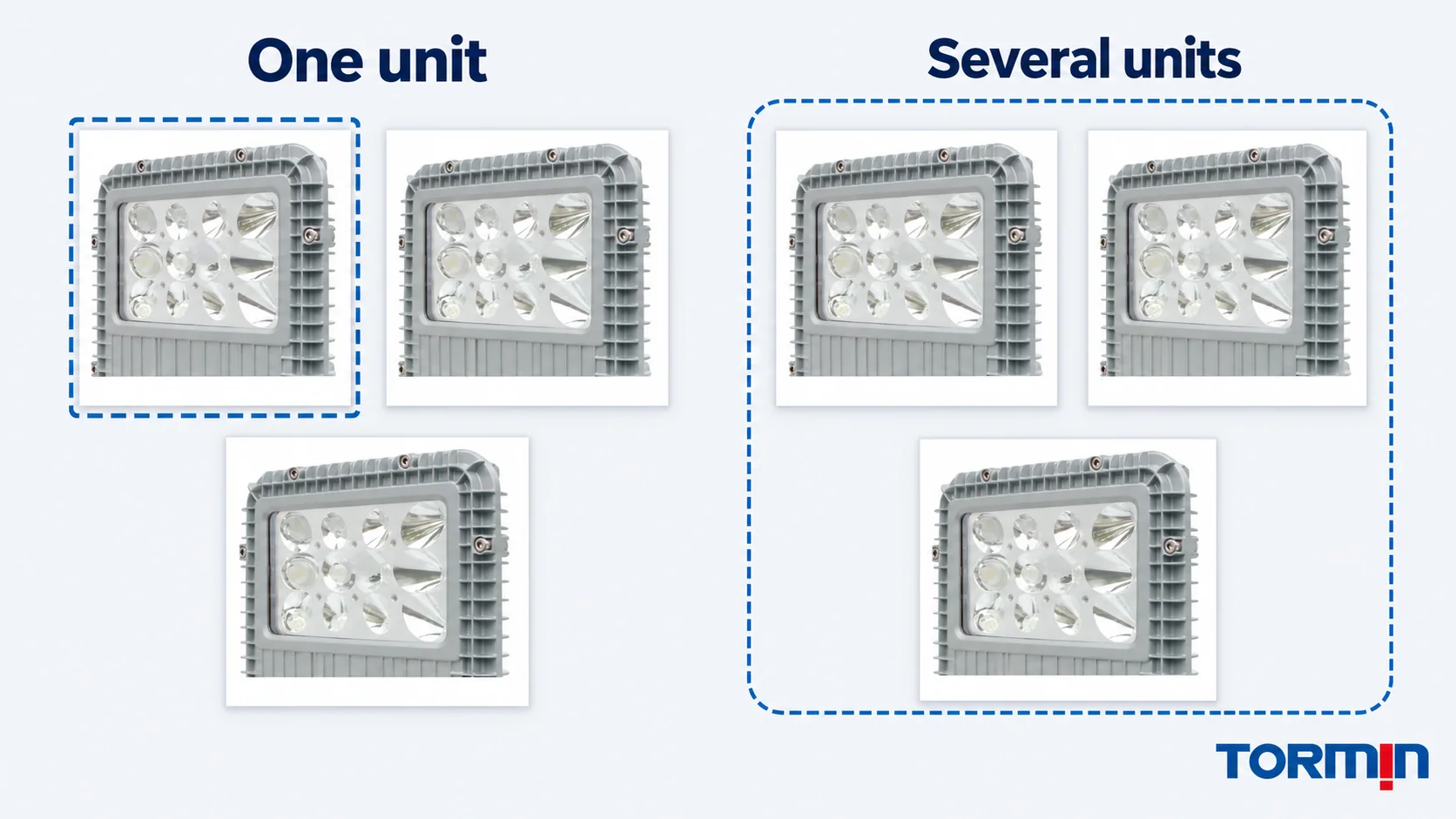
Establish whether one light or several are affected
List the individual asset IDs and their locations. Include nearby units observed operating differently, with the same observation time and known mode where available. “Three of six units visible from this walkway” is more precise than “half the circuit,” unless the circuit membership has been verified.
Ask the electrical or controls team for the relevant circuit or control-group records. Physical proximity does not establish a shared supply, command or equipment configuration. Likewise, a symptom on one luminaire does not establish an internal fault, and a symptom on several does not establish a common upstream fault. Grouping helps support decide which records to request next.
Build a before, during and after timeline
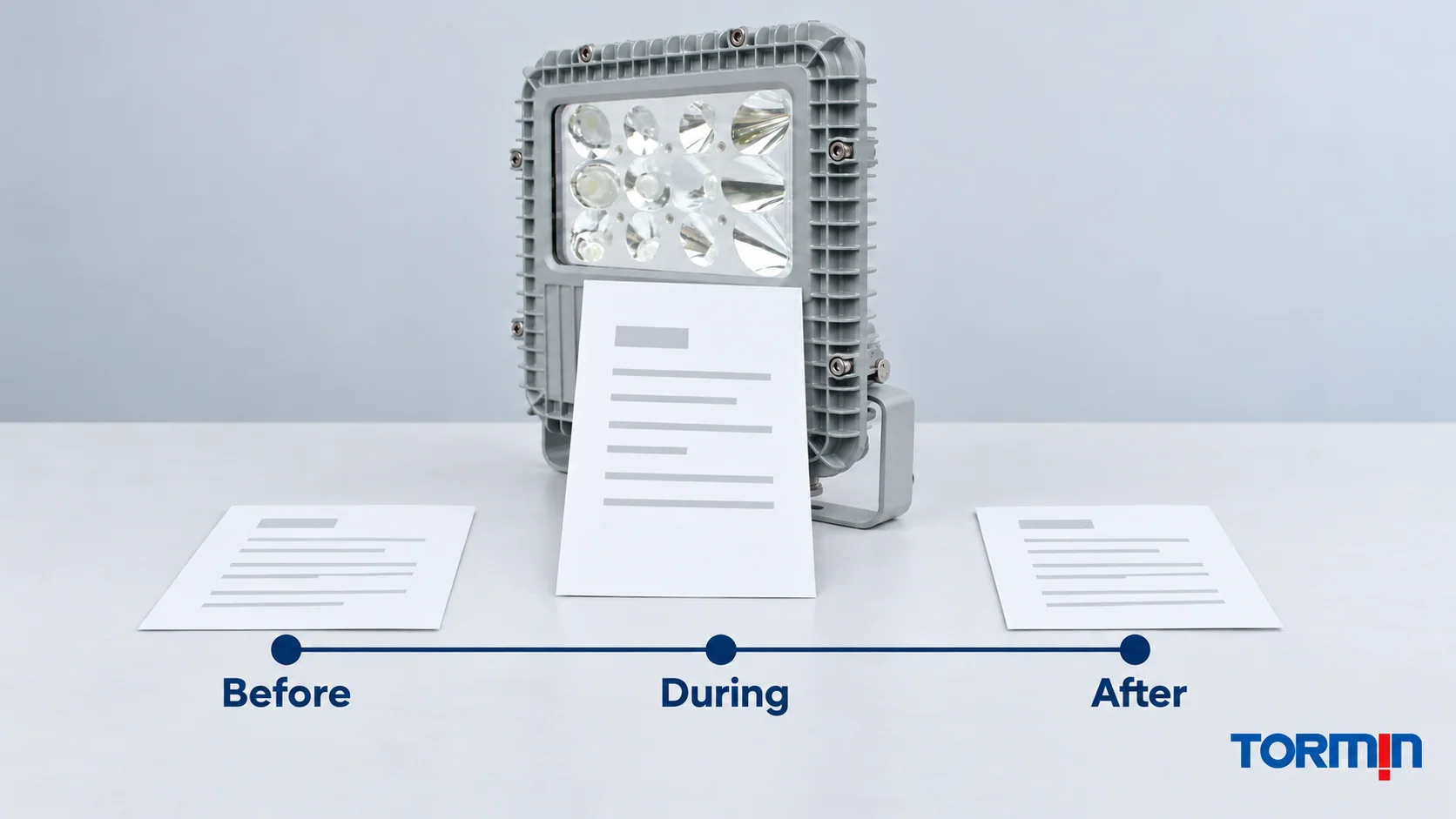
Put the symptom and known events in time order. Use the local time zone, identify estimated times and retain the source of each entry. If the control-system clock and the observer’s clock differ, record that limitation before aligning their events.
| Period | Information to preserve |
|---|---|
| Before | Last known normal observation; known mode or control state; recent work or documented configuration changes |
| During | First observed symptom; affected assets; whether their behavior changed together; relevant alarms, commands or operating events already recorded |
| After | What was observed subsequently; any authorized action and who reported it; current equipment disposition and unresolved questions |
Record coincident events without turning them into causes. For example, a machinery start, control command, cleaning operation or reported supply interruption may be useful context. Their timing alone does not prove why the light changed.
If a unit appears to recover, preserve the interruption in the history. The site team still needs to decide its disposition. Do not erase the event from the report or describe the equipment as repaired merely because it emits light again.
Attach the supply and control information already available
Identify the installed model and complete variant, then ask the responsible team for existing records of the supply arrangement, switching or control system and operating mode. Include relevant command changes, alarms and previous authorized work. Label missing or unverified information explicitly.
For flicker reports, operating conditions matter. DOE’s Flicker Research explains that the LED current waveform can depend on driver loading, dimming level and the dimmer’s output waveform. This supports recording the actual control context; it does not identify the cause of an individual hazardous-area lighting fault.
Where qualified personnel have already obtained electrical results, attach the original record with its date, measurement location, method and operating conditions. A supply value from a design drawing or product label is a specification, not a measurement at the affected unit during the event. This article does not prescribe measurements or acceptance limits.
Identify normal, emergency, test or other operation only where those modes actually exist in the installation. Request the exact instructions to establish expected behavior. A family name or a photograph cannot establish the installed driver, controls or emergency arrangement. The nameplate and certificate guide covers the separate identity-matching task.
Use photographs and video as observation records
Collect images only through site-permitted methods, from authorized locations, using equipment suitable for the environment. Do not bring an ordinary phone or other recording device into a classified location on the strength of this article. HSE’s equipment-use guidance calls for safe work and appropriate equipment where an explosive atmosphere may be present.
If recording is permitted, retain the original file, asset identity, time and recording method. Note whether a flicker pattern was visible to the observer, the camera or both. DOE distinguishes visual and camera responses to temporal light modulation and identifies waveform measurement as the basis for flicker metrics. A video can communicate an observed pattern; it does not establish a compliant flicker measurement or a failed driver. DOE: Flicker Research.
Complete one support record for the reported event
Use this copyable structure. It is an editorial intake template; adapt it to the site’s records and TORMIN’s request for the exact product.
Product and order: full model/variant, order reference, serial/batch if available
Affected scope: asset IDs, locations, units observed operating differently, verified grouping
Symptom: behavior, observer/method, first noticed time, known operating mode
Timeline: last known normal; event observations; subsequent observations/actions
Context: known supply/control records, commands, alarms, recent authorized changes
Attachments: original files and existing results, each matched to asset/time/source
Current disposition: responsible site person, restrictions/actions, status as reported
Unresolved request: missing evidence and the question technical support should answer
Avoid marking an unperformed check as satisfactory. “No electrical measurements supplied” and “driver identity not yet matched to the ordering code” give support concrete gaps to resolve. Record an authorized action as an action, along with its result, without treating it as proof of a successful repair.
Example: several units go dark after a control event
The following is a fictional support-report example, with invented asset IDs and times. It is not a TORMIN failure case or a statement about any product’s operating behavior.
At 08:00, an operator observes six lights emitting light in a work area. At 08:12, the controls log records a scheduled command. At 08:14, the operator reports that assets L-21, L-22 and L-23 are dark while the other three remain lit. The clock alignment and circuit membership have not been confirmed. The operator reports the condition to the responsible site person; no intrusive checks are included in this record.
The support request should preserve that sequence and say: “Please identify which equipment and control records are needed to assess this event. We have not established whether the command affected these assets or what caused their loss of light.” Attach the asset list, observer account and available log excerpt. Identify the current disposition through the responsible site person before sending the packet.
This gives support a defined question and the evidence behind it. Calling the event “three driver failures caused by the controller” would conceal both unresolved relationships.
Send TORMIN the exact product identity and the open question
For a unit from TORMIN’s BC9101 family, identify the actual installed ordering code and available label records. The family page is an identification starting point, not a diagnostic instruction or evidence that every pictured unit has the same configuration.
TORMIN’s support FAQ provides the basic enquiry requirements. Submit the completed symptom record through Contact TORMIN and ask for the matching instructions and the next information or authorized assessment needed. For IECEx-covered equipment, IECEx’s manufacturer, purchaser and user FAQ, question 4, identifies the manufacturer as the first contact for a product query, with the issuing certification body involved where certification-specific clarification is needed.
A complete first report makes the uncertainty visible: what happened, which assets were involved, what evidence exists and who is responsible for the next action. The diagnosis and any return-to-service decision then follow through the appropriate technical and site process.
Sources
- UK HSE — Work using electrically powered equipment — Safety concerns, appropriate equipment and explosive-atmosphere context; used for these principles, not its generic inspection intervals.
- UK HSE — Maintenance of work equipment — Reporting faults, manufacturer instructions and competent maintenance.
- UK HSE — Work on electrical equipment, machinery or installations — Planned work, secure energy isolation and care with safety-related equipment in explosive atmospheres.
- US Department of Energy — Flicker Research — Driver/control operating conditions, visual/camera response and waveform-based measurement. General lighting research; it does not diagnose a TORMIN model.
- TORMIN — BC9101 product page — First-party product identity and exterior reference only; reviewed 24 October 2026.
- IECEx — FAQs from Ex Equipment Manufacturers, Purchasers and Users, Guide 01D, Edition 2.0 — Question 4, routing equipment queries to the manufacturer and certification-specific queries to the issuing body.